When you deploy Hugo with i18n theme on cloudflare pages, you may encounter this problem.
The output will show you:
 1
 2
 3
 4
 5
 6
 7
 8
 9
10
11
12
13
| 00:00:00 Installing Hugo 0.54.0
00:00:00 Hugo Static Site Generator v0.54.0-B1A82C61A/extended linux/amd64 BuildDate: 2019-02-01T10:04:38Z
00:00:00 Started restoring cached go cache
00:00:00 Finished restoring cached go cache
00:00:00 go version go1.14.4 linux/amd64
00:00:01 go version go1.14.4 linux/amd64
00:00:01 Installing missing commands
00:00:01 Verify run directory
00:00:01 Executing user command: hugo --gc --minify
00:00:01 Error: "/opt/buildhome/repo/themes/hugo-theme-stack/i18n/zh-tw.yaml:1:1": failed to load translations: unable to parse translation #2 because invalid plural category lastUpdatedOn
00:00:01 map[translation:map[relatedContent:map[other:相關文章] lastUpdatedOn:map[other:最後更新] readingTime:map[other:閱讀時間: {{ .Count }} 分鐘] back:map[other:返回] tableOfContents:map[other:目錄]] id:article]
00:00:01 Failed: build command exited with code: 255
00:00:01 Failed: an internal error occurred
|
I don’t know if you noticed, but the log shows that the version of Hugo is 0.54.0. This is too far back, at the time of the article Hugo has been updated to 0.150.0
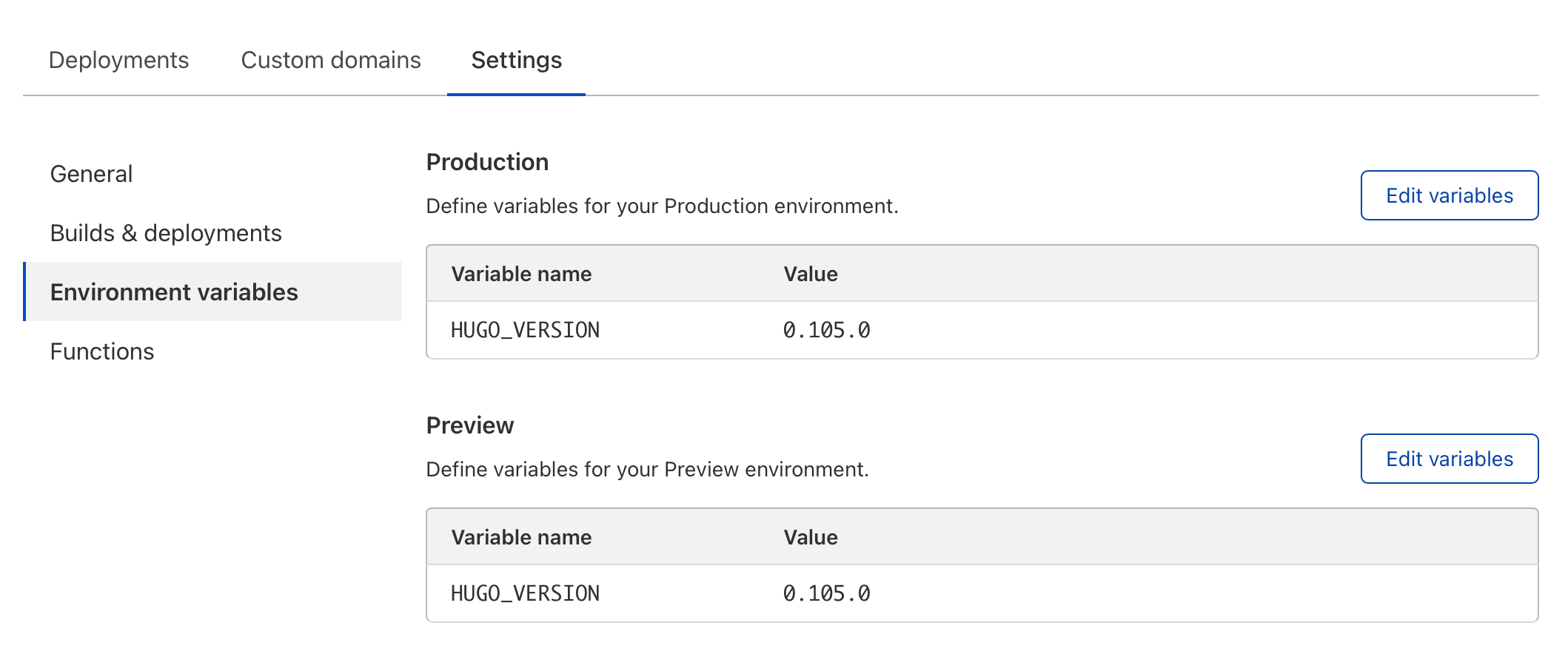
So if you want to solve this problem, you need to add an environment variable in the Page settings to specify the version of Hugo.
For example, HUGO_VERSION 0.105.0
Click here to find out more about build configuration of Cloudflare Pages.